
Two Dell PowerEdge R740 Servers Failed to Power On — On-Site Troubleshooting and Hardware Diagnosis
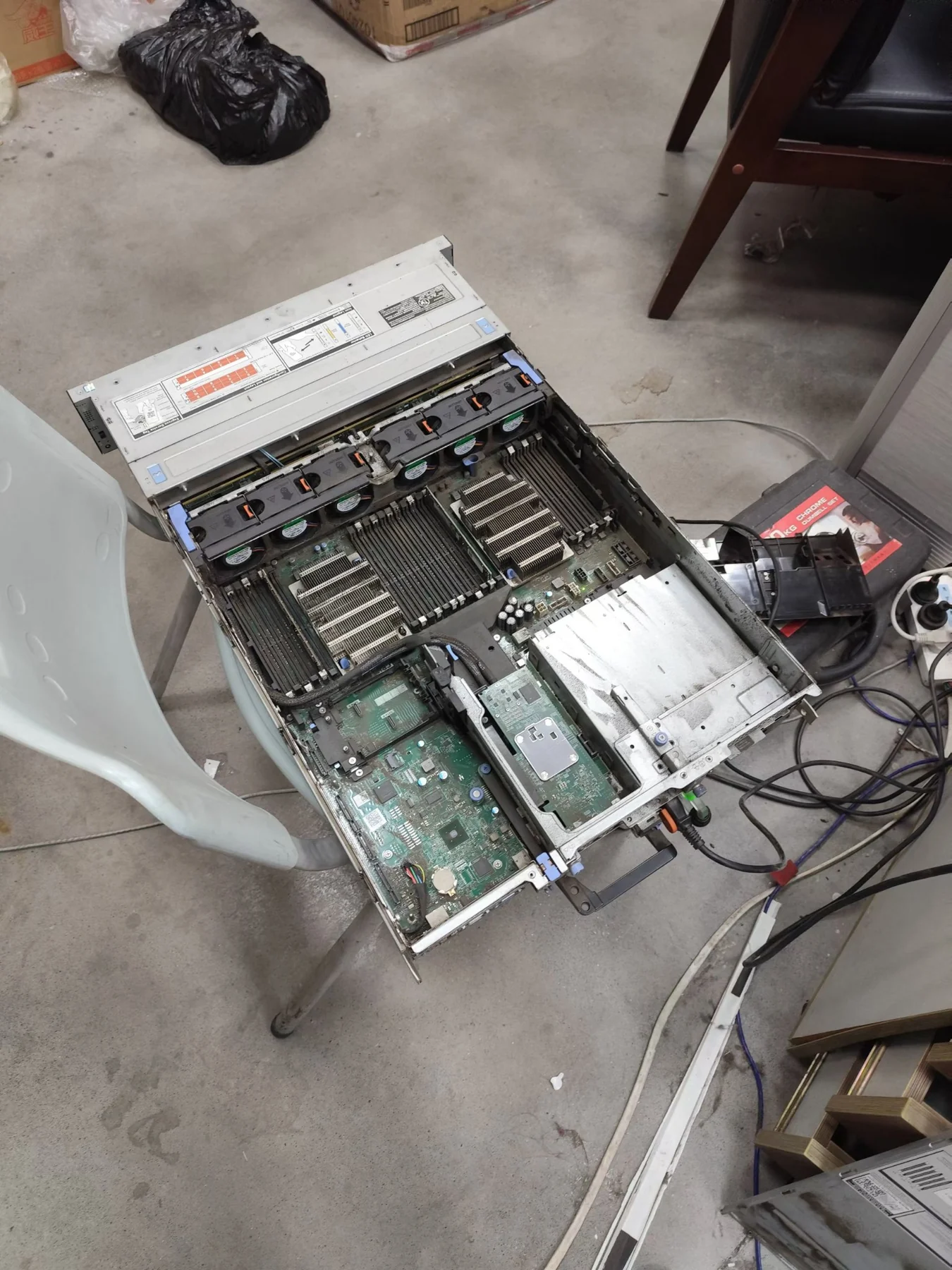
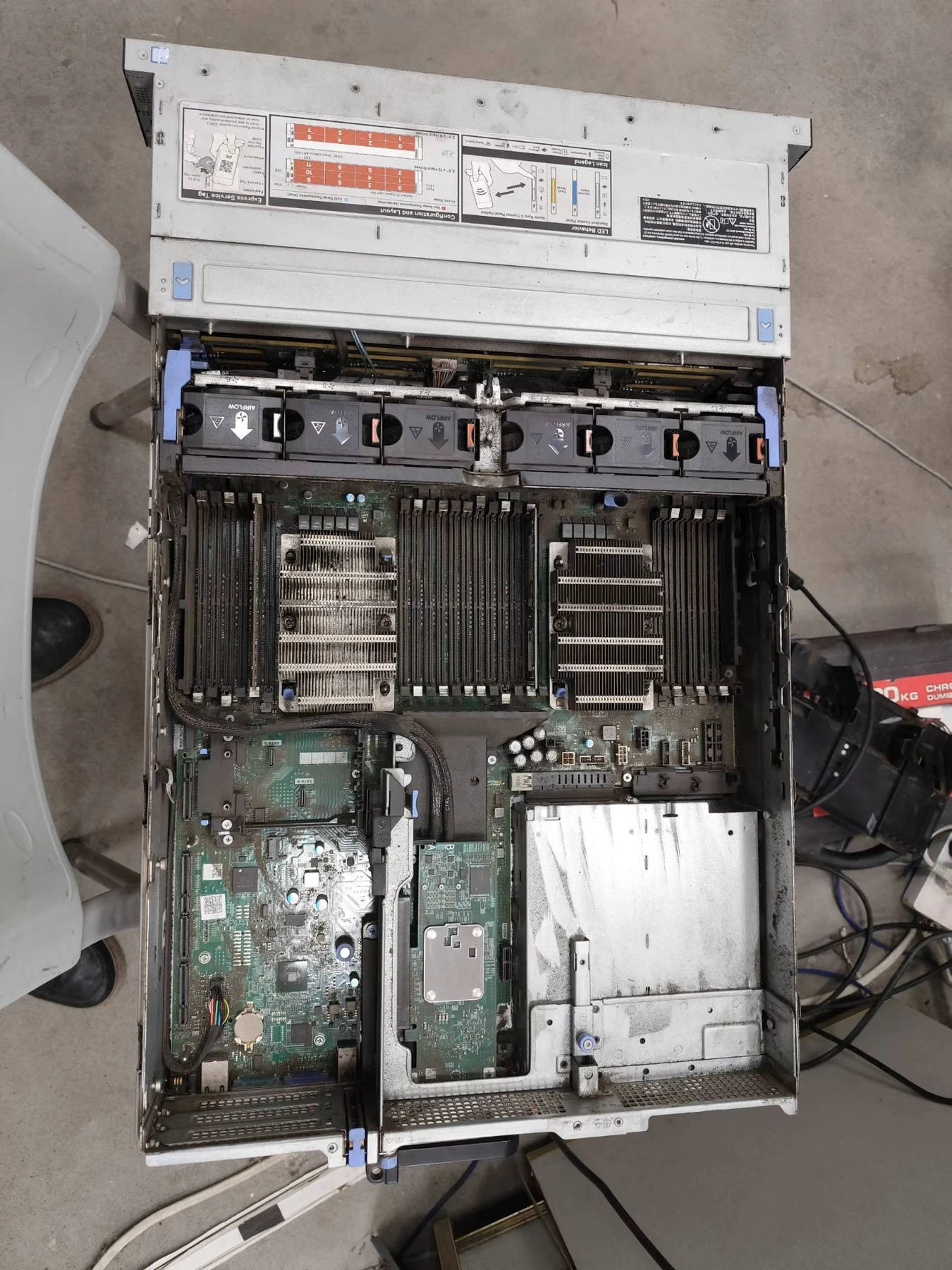
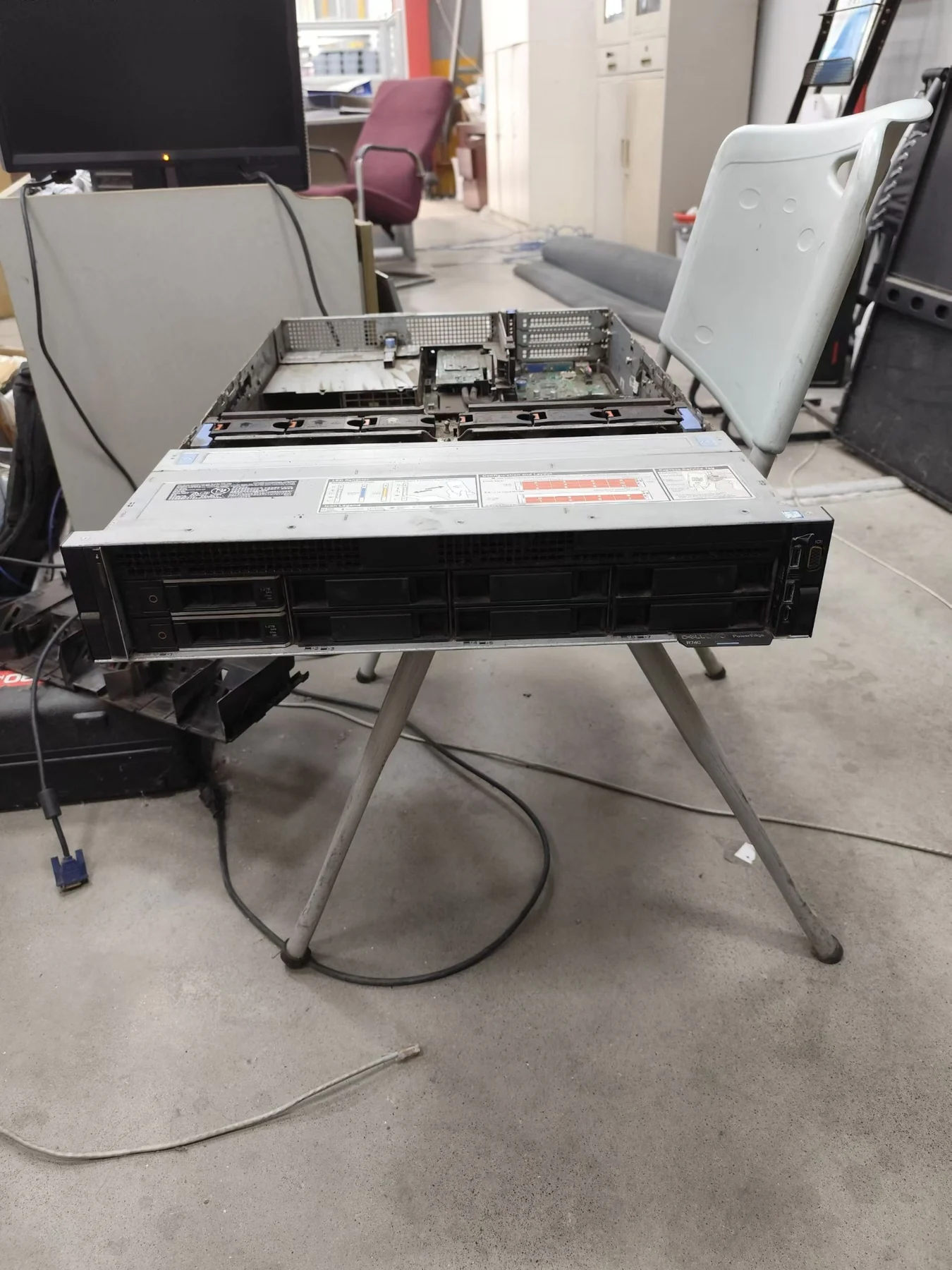
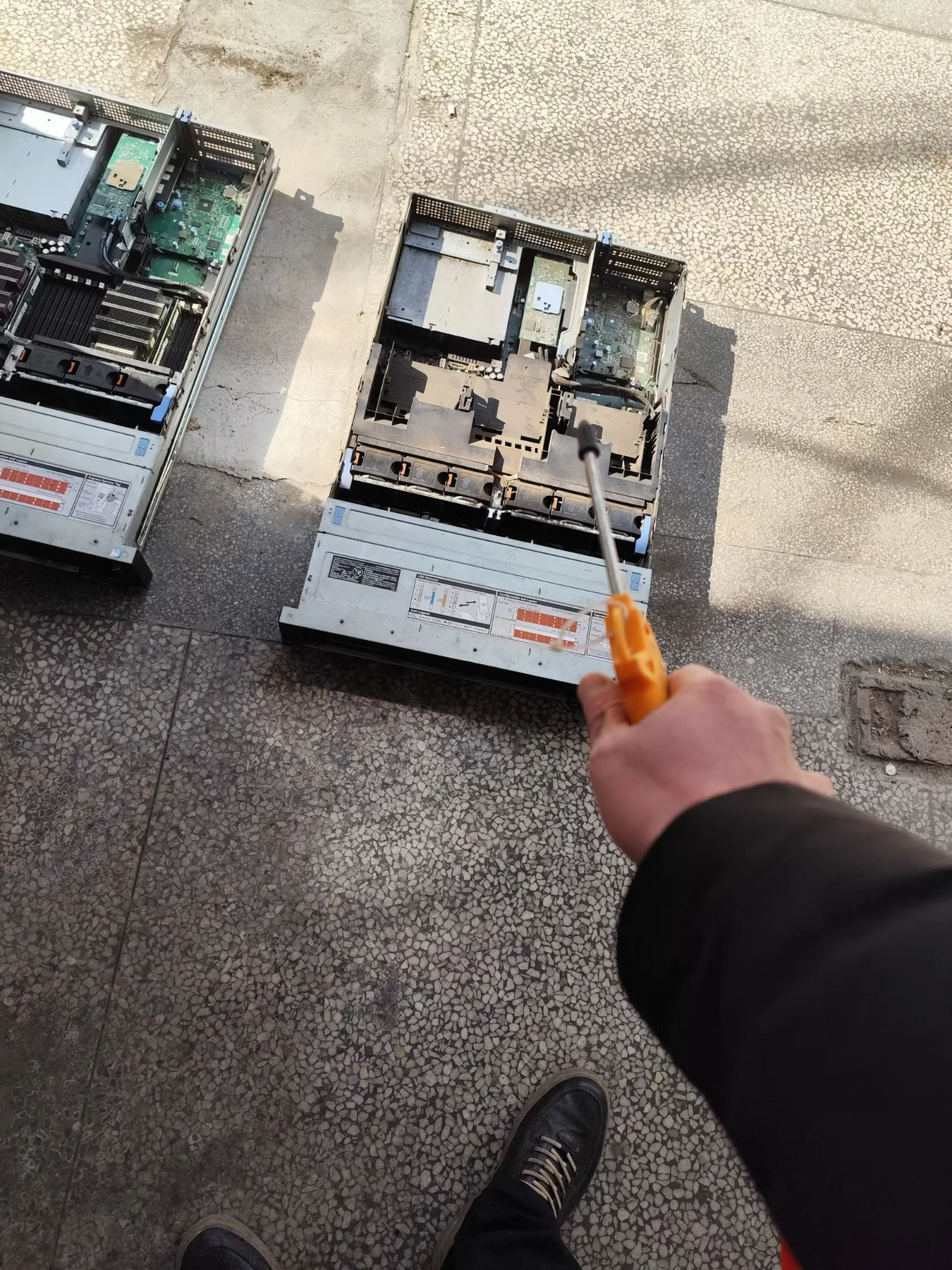
We provided on-site technical support for a manufacturing customer after two Dell PowerEdge R740 servers suddenly became unable to power on. A complete hardware teardown, minimum-component testing and cross-validation between both servers were used to isolate multiple independent hardware failures.
Initial symptoms
- Both power-supply indicators remained solid green
- Pressing the power button produced no response
- No front-panel LED activity was present
- A long-press discharge procedure did not restore operation
Complete hardware inspection
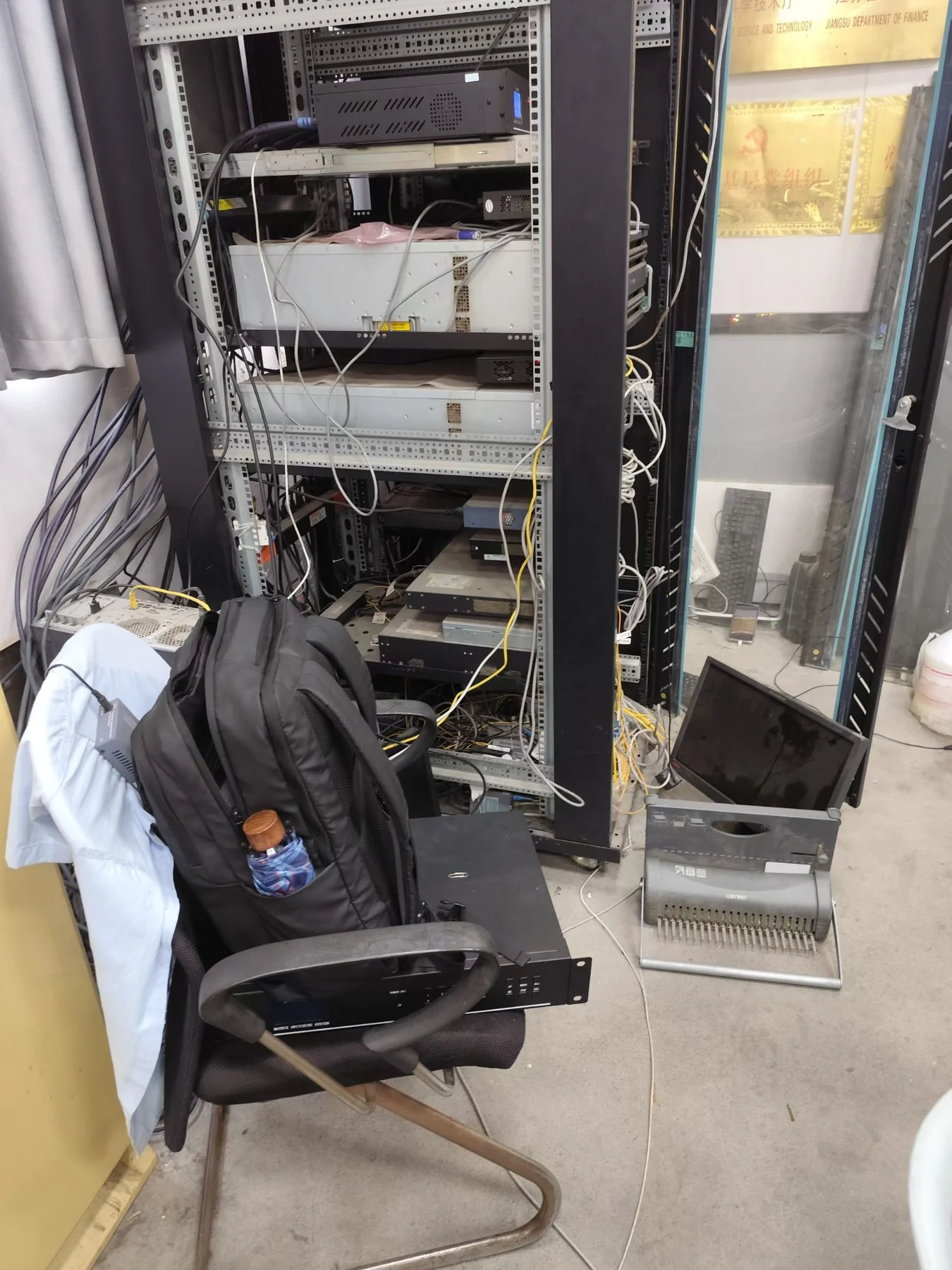
- Removed both servers from the rack
- Cleaned the internal chassis and removed accumulated dust
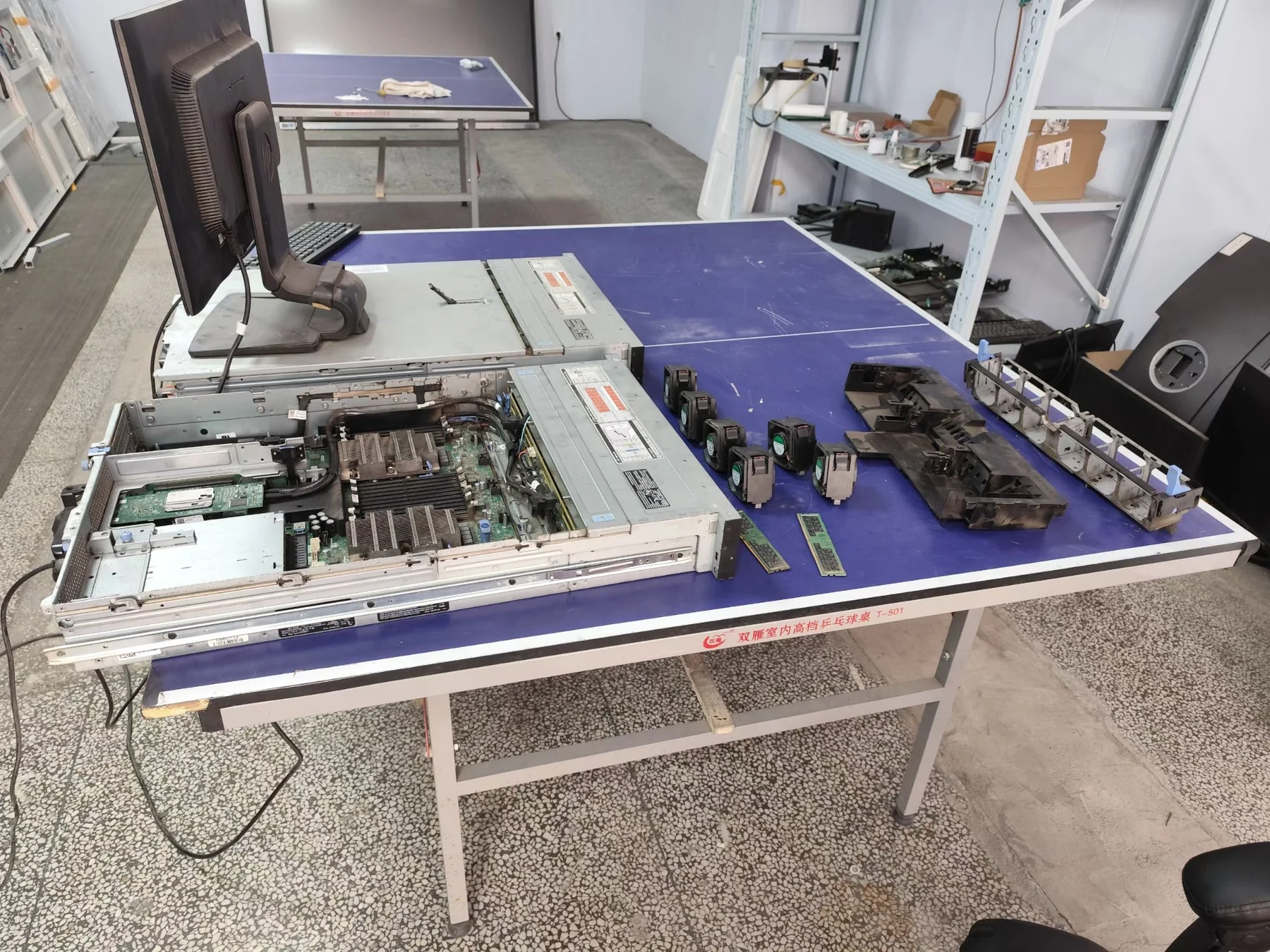
- Disassembled CPUs, memory, hard drives, RAID controllers, power supplies and expansion cards
- Recorded and organized components before controlled testing
Component-level troubleshooting
- Tested each server with a single CPU
- Tested memory modules individually
- Cross-tested parts between the two R740 servers
- Swapped all available components between machines to isolate the real fault points
Confirmed root causes
- 1 system motherboard failure
- 1 CPU failure
- 2 memory-module failures
- The faults were confirmed only after several hours of systematic isolation and cross-testing
Recovery and next step: Working components were restored and the server system was rebuilt, allowing the customer to resume normal operations immediately. Compatible replacement parts will be installed for the failed motherboard, CPU and memory modules to fully restore both servers.
This case shows why enterprise server repair is not simply a matter of replacing parts. Reliable recovery depends on experience, a controlled diagnostic sequence and the ability to identify the actual root cause quickly without replacing healthy hardware.
- Enterprise server repair
- Data center hardware maintenance
- Server refurbishment and upgrades
- IT asset recycling
- On-site technical support