
Dell PowerEdge R750 12TB HDD Replacement After Drive Health Alert
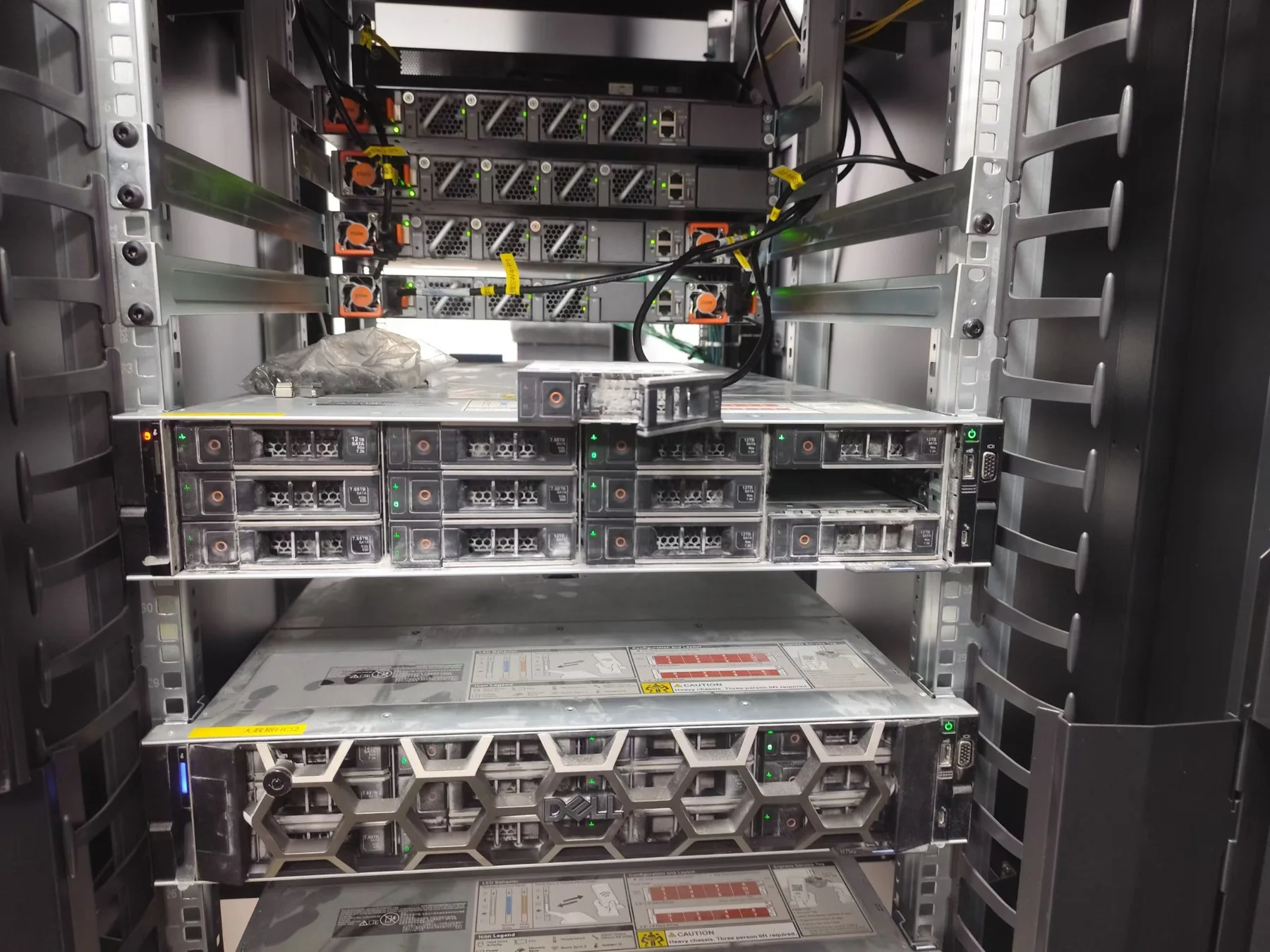
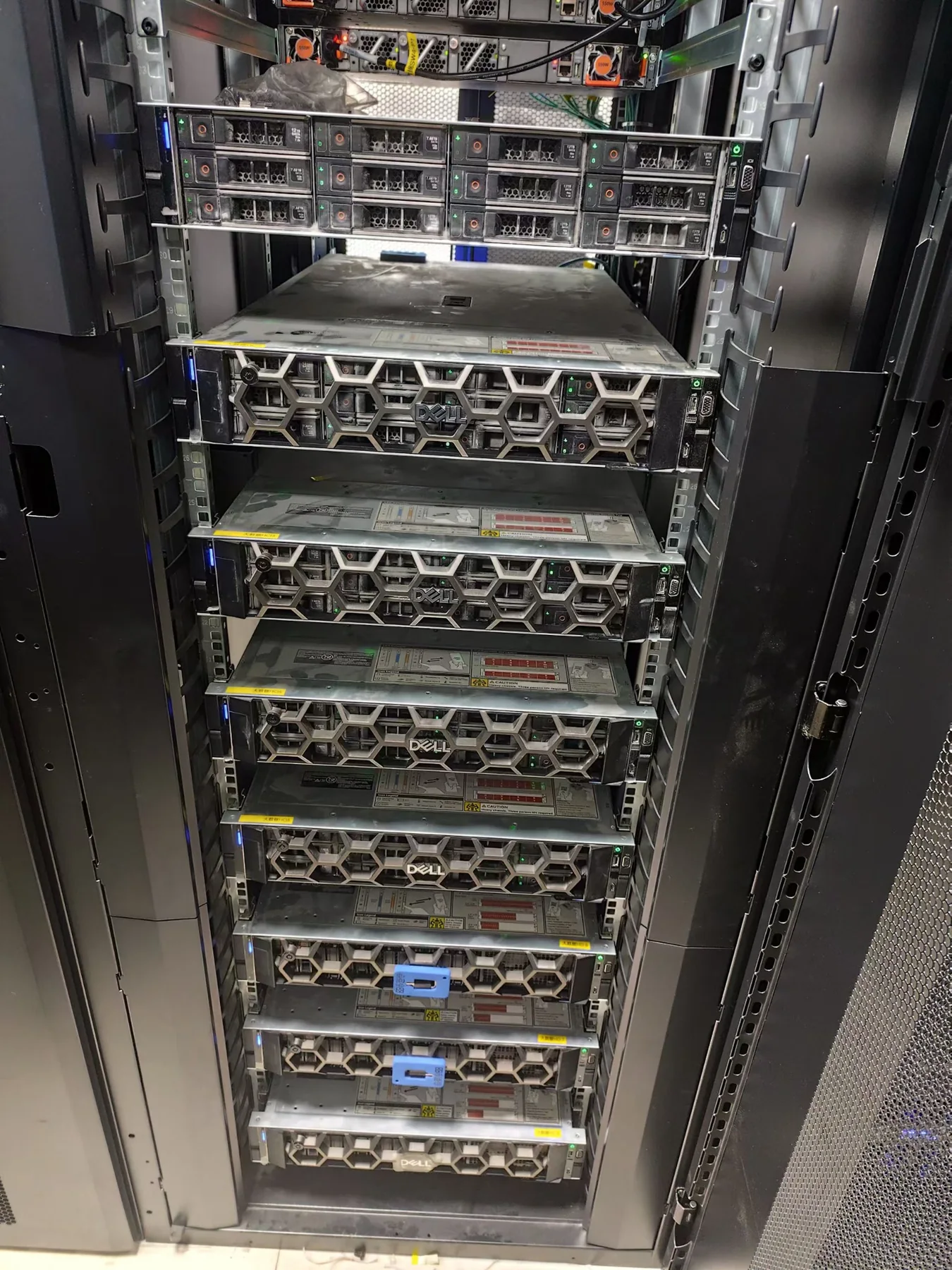
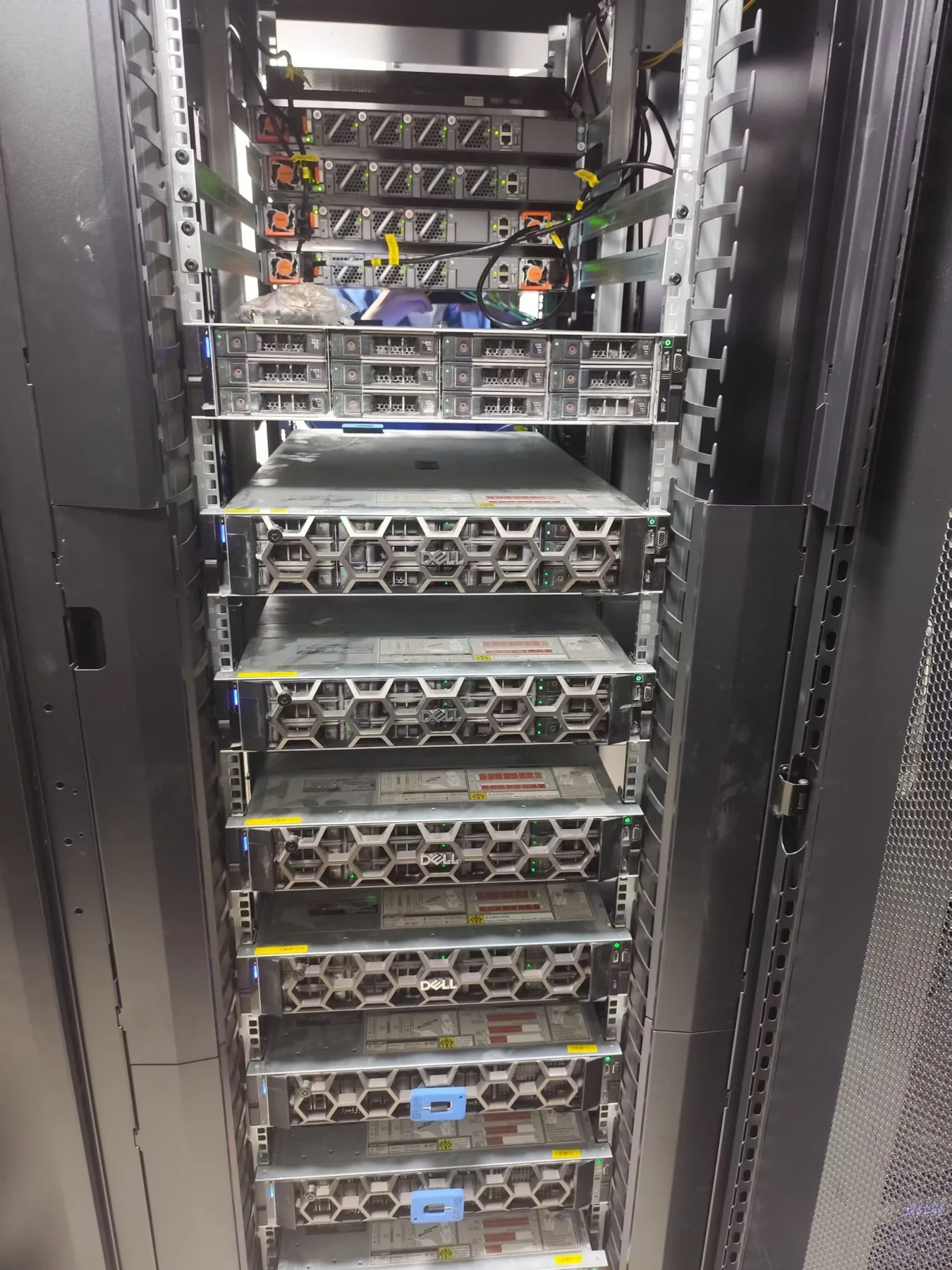
During an on-site maintenance visit, one 12TB enterprise hard drive in a Dell PowerEdge R750 showed an abnormal health status. Rather than waiting for the drive condition to worsen, we performed a controlled replacement and verified the server after the new drive was installed.
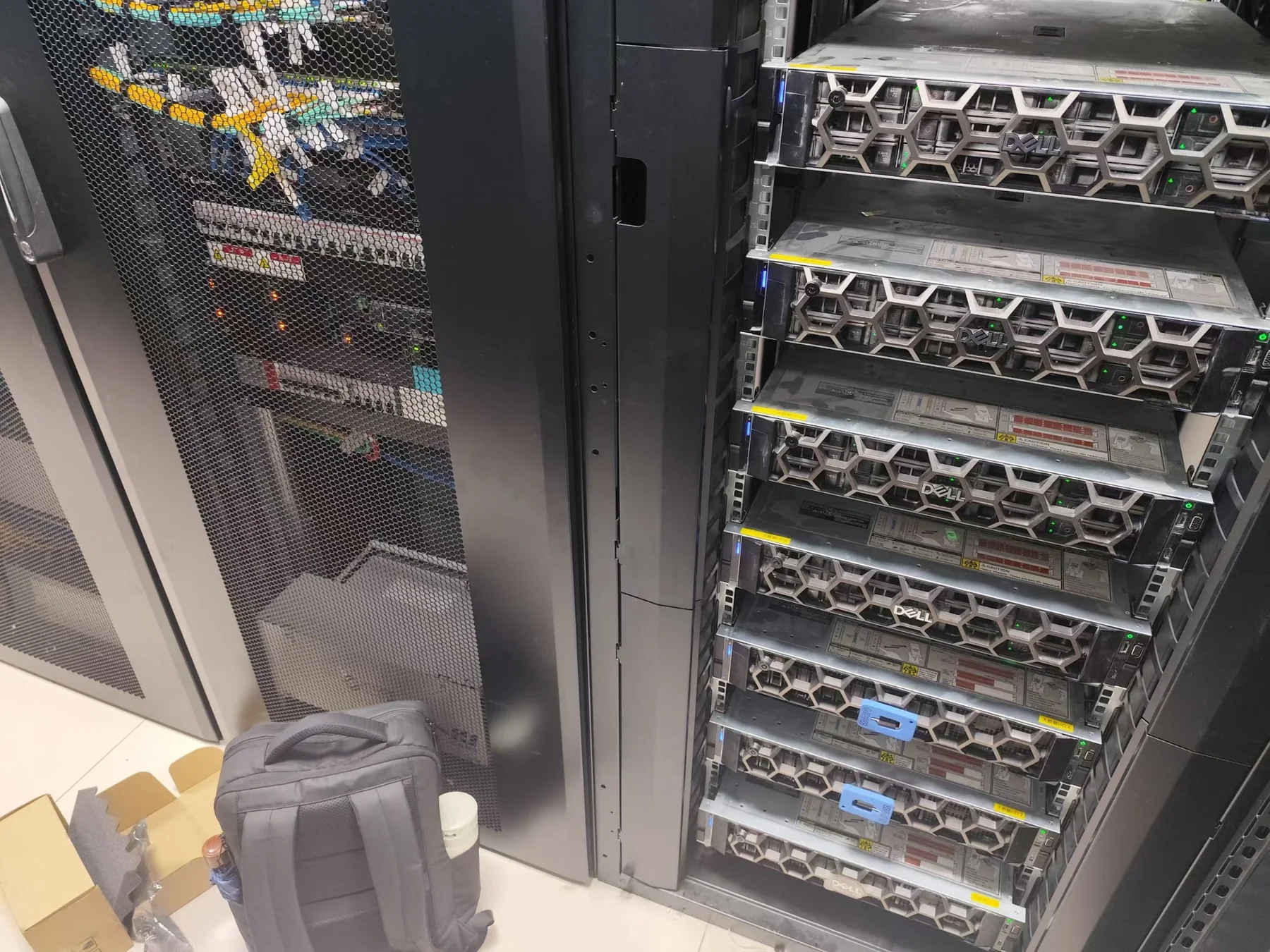
Observed Symptom
The affected drive showed an abnormal health condition during routine inspection. Because a deteriorating disk can increase rebuild risk or affect storage availability, the maintenance decision was to replace the drive before the condition became more serious.
Checks Before Replacement
- Drive location: confirm the exact physical bay before removing any disk.
- RAID status: check the controller and virtual-disk state to avoid removing the wrong member of an array.
- Compatibility: verify capacity, interface and enterprise-drive compatibility before installation.
- Replacement planning: make sure the remaining array is stable enough for the replacement process.
Maintenance Work
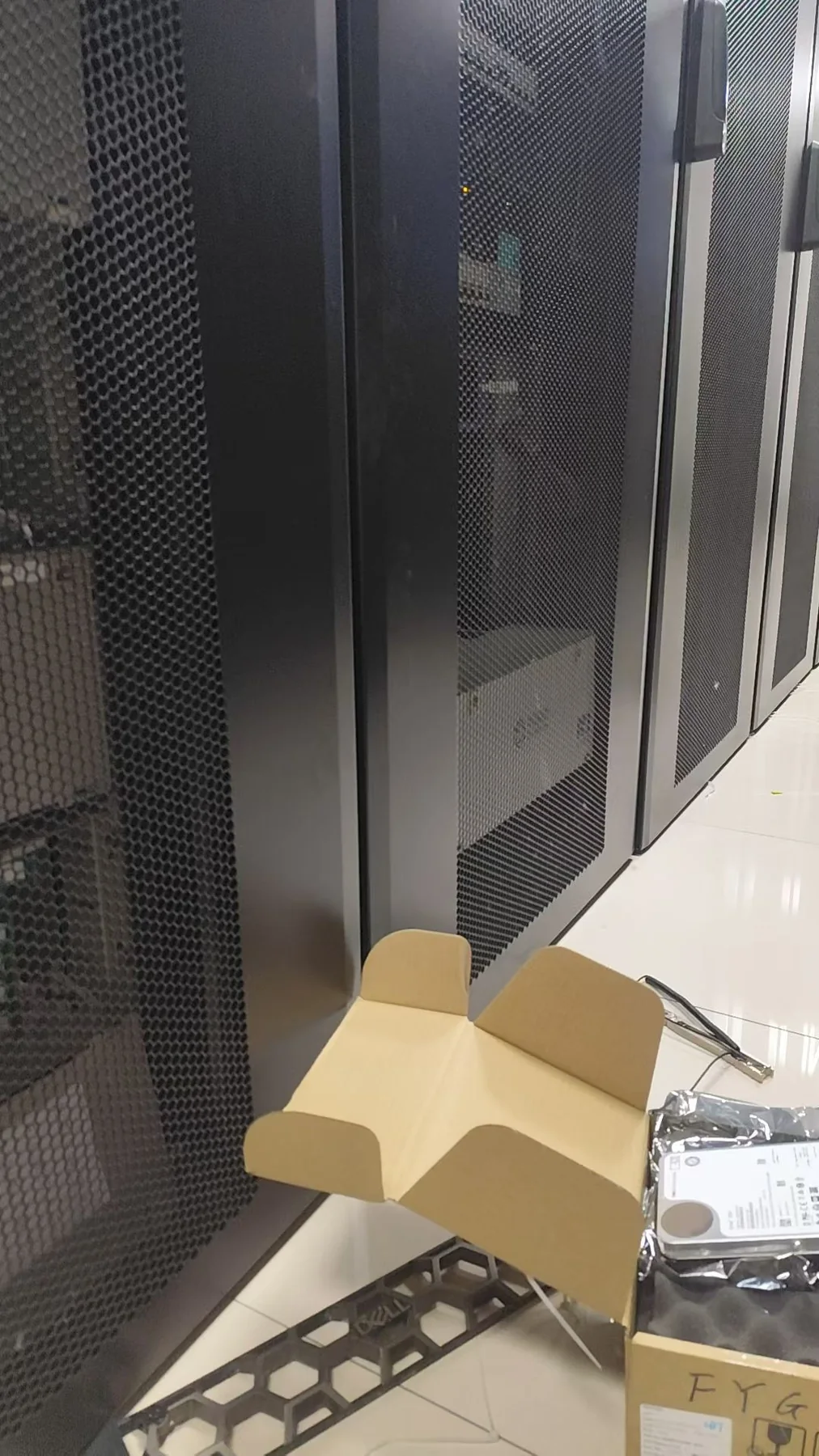
A compatible 12TB enterprise-class replacement drive was prepared and installed in the identified bay. After installation, we checked that the server and storage controller recognized the replacement drive correctly and reviewed the storage status for any remaining alerts.
Why Drive Replacement Requires More Than Swapping Hardware
On a production-class server, the important part is not simply removing one disk and inserting another. The engineer must first confirm which physical drive is affected, understand the RAID state, select a compatible replacement and verify the controller response after the change. A mistake at any of these steps can create unnecessary risk for the remaining array.
Result
The affected 12TB drive was replaced and the R750 returned to a normal monitored state after the maintenance checks. The customer could continue using the existing server platform without an unnecessary full-system replacement.
Need help with Dell PowerEdge storage, RAID or server hardware maintenance? Send us the server model, fault description and photos. We can help review the issue and recommend the next step.
Discuss a Dell server maintenance case