
Dell PowerEdge R750 Multiple-Drive Detection Issue — iDRAC, HBA355i, Backplane & VMware Storage-Path Diagnosis
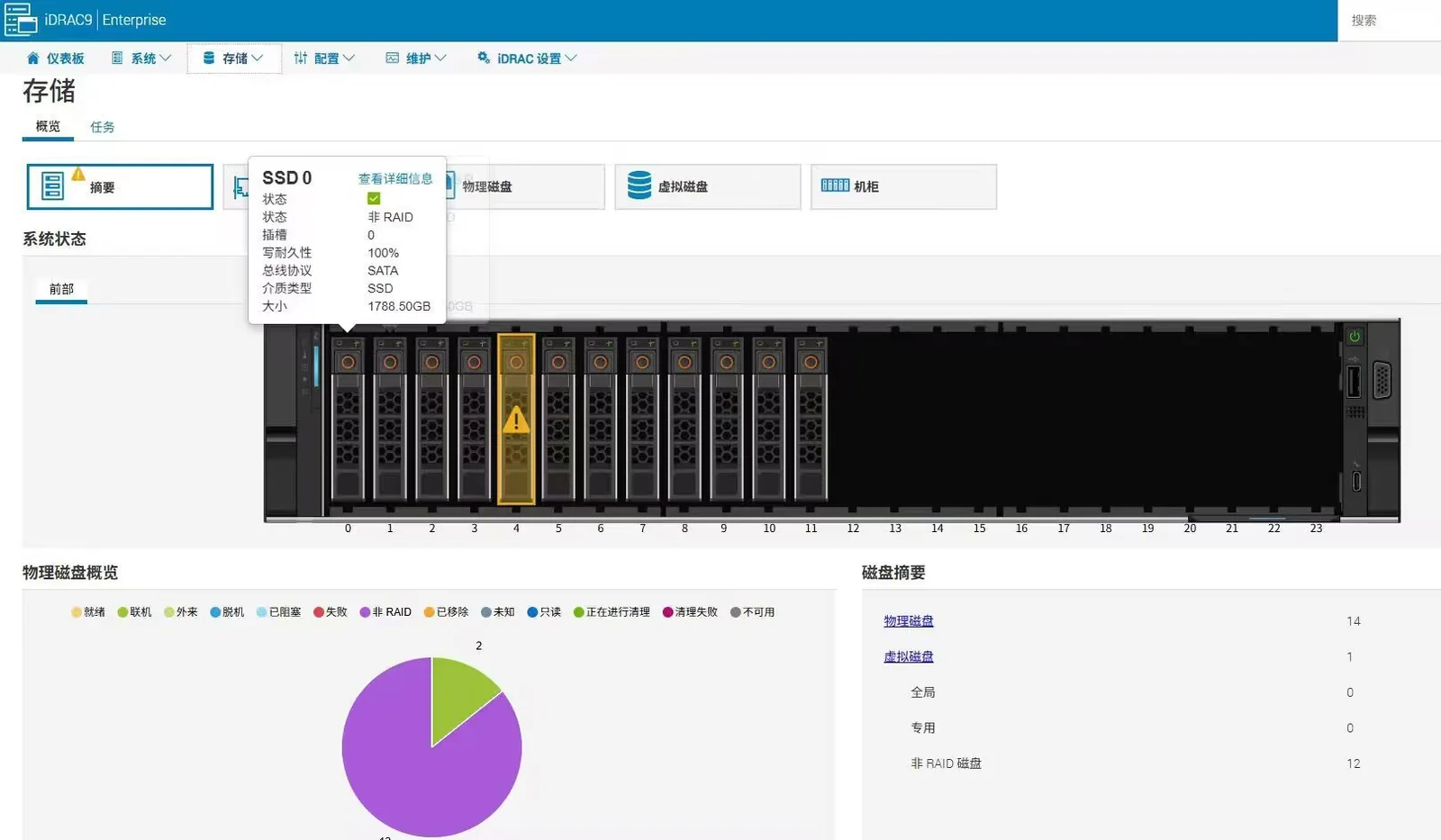
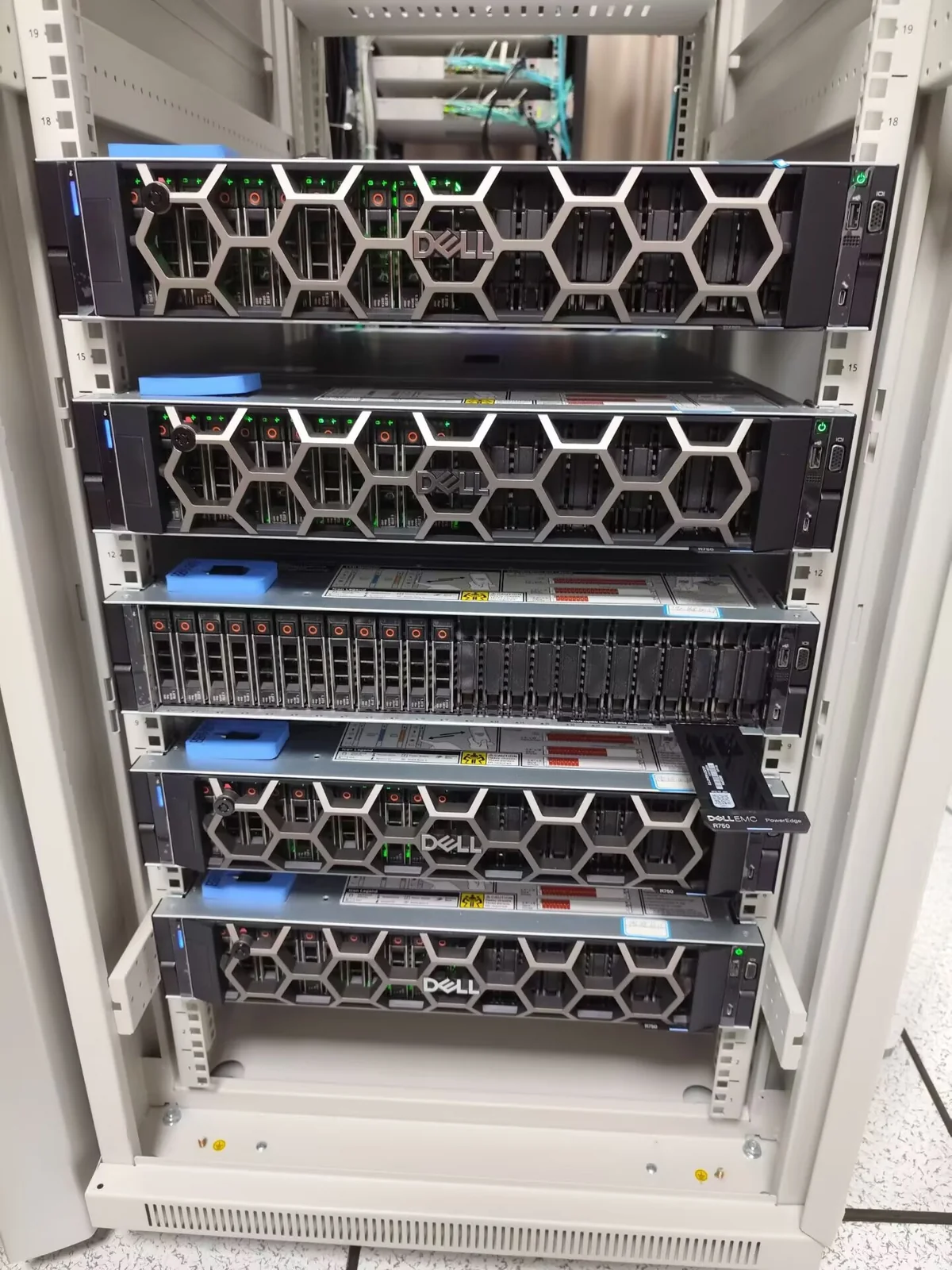
During on-site maintenance, a Dell PowerEdge R750 showed an abnormal condition on an approximately 1.92TB SATA SSD in iDRAC9, while several drives were also not consistently visible in the VMware/ESXi environment. Because multiple missing drives are unlikely to be explained by several independent SSD failures alone, the investigation expanded from the individual drive to the complete path from drive bay to backplane, cabling, HBA355i and the virtualization layer.
Observed Symptoms
The iDRAC9 storage view showed an abnormal condition on a SATA SSD with roughly 1.92TB nominal capacity (about 1788.5GB displayed), while multiple drives were also not consistently detected in VMware/ESXi. The first task was therefore to determine whether the symptom followed one physical drive, remained with a bay, or originated in a shared component of the storage path.
Step 1: Verify the Physical Drive and Bay
We first correlate the physical-disk information in iDRAC with the front-bay location before any removal. Controlled substitution with a known-good drive or a slot-level cross-check can then show whether the fault follows the SSD or remains associated with the bay/path. This avoids treating every missing disk as an independent drive failure.
Step 2: Expand the Scope to Shared Storage Components
When several drives disappear at the same time, the common path becomes a priority. Based on the maintenance record, the diagnostic scope included the Dell HBA355i controller, the 24×2.5-inch SAS backplane, PERC/HBA-related cabling and the Expander / Slimline SAS connection. A fault in any shared component can affect several drive bays simultaneously.
Step 3: Cross-Check iDRAC and VMware/ESXi Visibility
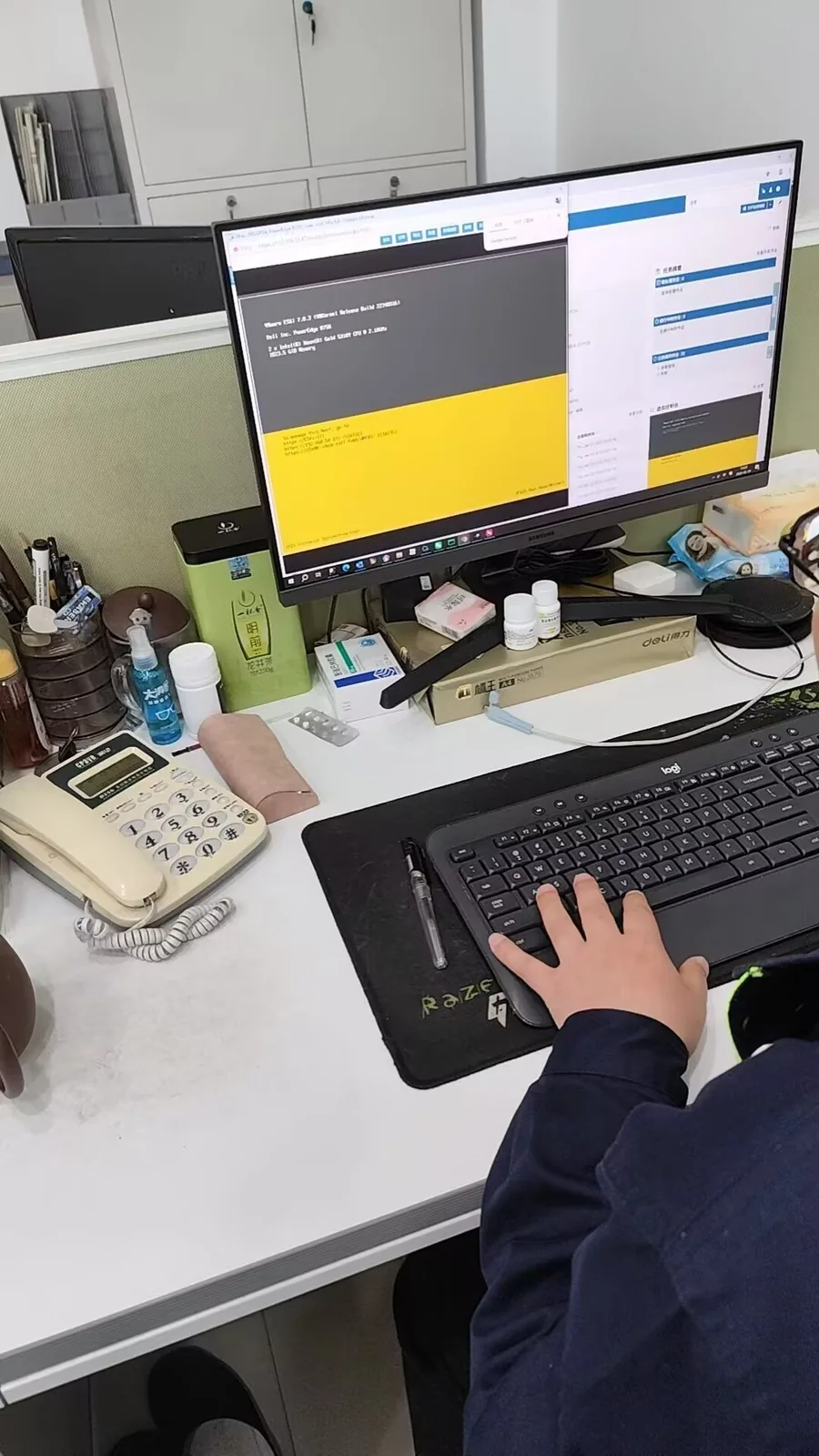
The hardware-management layer and the virtualization layer should be compared rather than viewed in isolation. iDRAC helps confirm physical-device and controller visibility, while VMware/ESXi shows whether the operating system or hypervisor can enumerate the storage devices correctly. A mismatch between the two layers helps narrow the fault domain.
Logs and Replacement Readiness
TSR logs and hardware diagnostics were part of the troubleshooting process. Replacement-ready components were prepared for controlled isolation, including an approximately 1.92TB enterprise SATA SSD, HBA355i controller, 24×2.5-inch SAS backplane and related storage cables. This supports step-by-step fault isolation instead of unnecessary bulk replacement of drives.
Why Multiple Missing Drives Change the Diagnosis
One abnormal drive can reasonably point to the drive itself. Several drives becoming unavailable together should shift attention toward components they share: the backplane, expander, SAS cabling and HBA controller. A structured storage-path diagnosis reduces unnecessary parts replacement and lowers the risk of introducing additional problems in a production system.
Case Record Conclusion
The available maintenance material documents a structured isolation process from the individual SSD to the complete storage path, with SSD, HBA355i, backplane and cable replacement options prepared for verification. Because the final failed component is not conclusively identified in the material provided, this case does not attribute the root cause to a specific part; it focuses on the diagnostic method that can be reused in similar multi-drive detection incidents.
Need help with Dell PowerEdge drive detection, iDRAC storage alerts, HBA/backplane faults or VMware storage visibility? Send us the server model, storage configuration, alert screenshots and symptoms. We can help review the fault domain and the next diagnostic step.
Discuss a Dell server storage issue