
Server Maintenance & Power-On Diagnosis2026-08-05
H3C UniServer G4900 G3 Power-On Failure Diagnosis and Motherboard Replacement
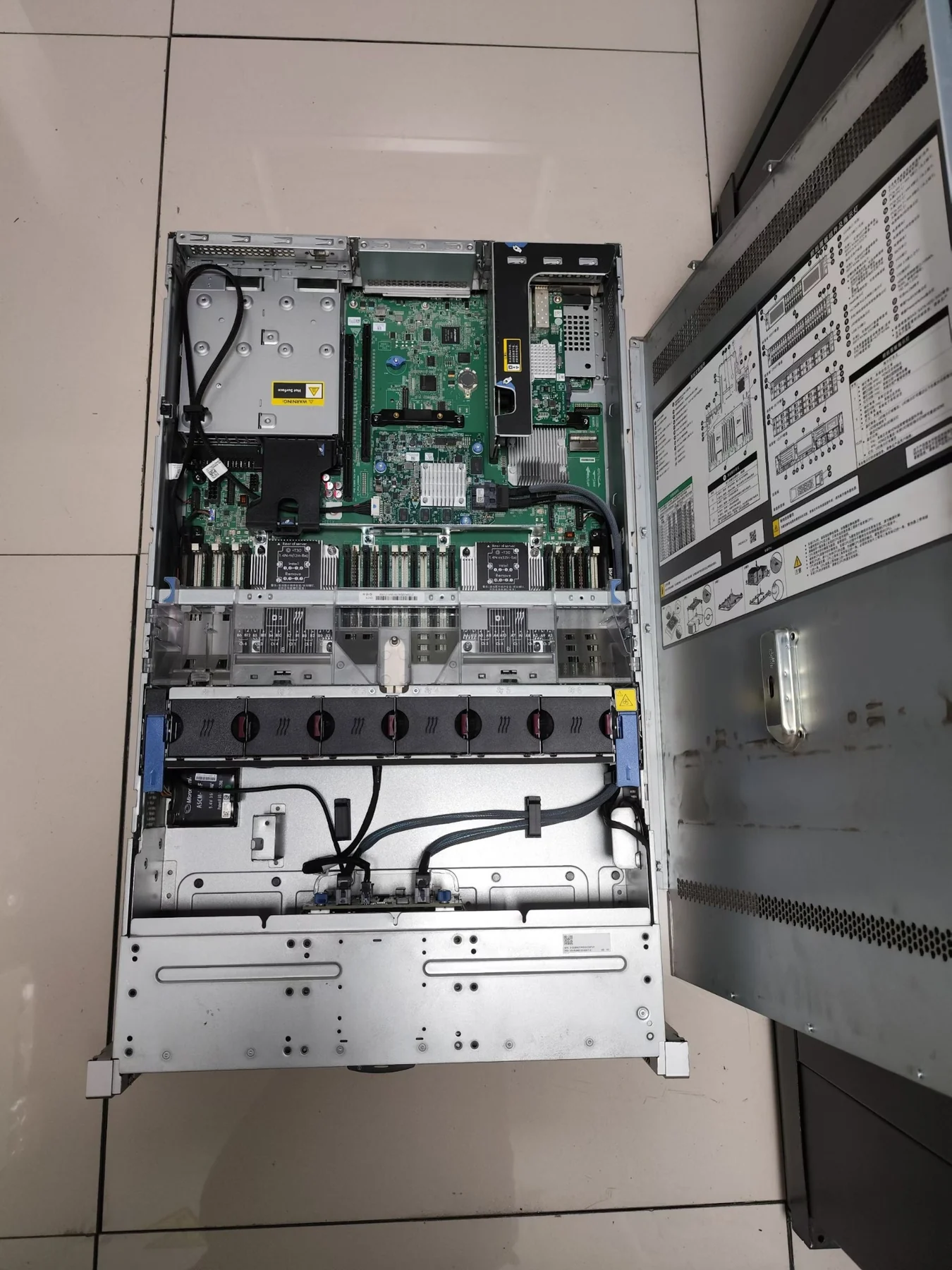
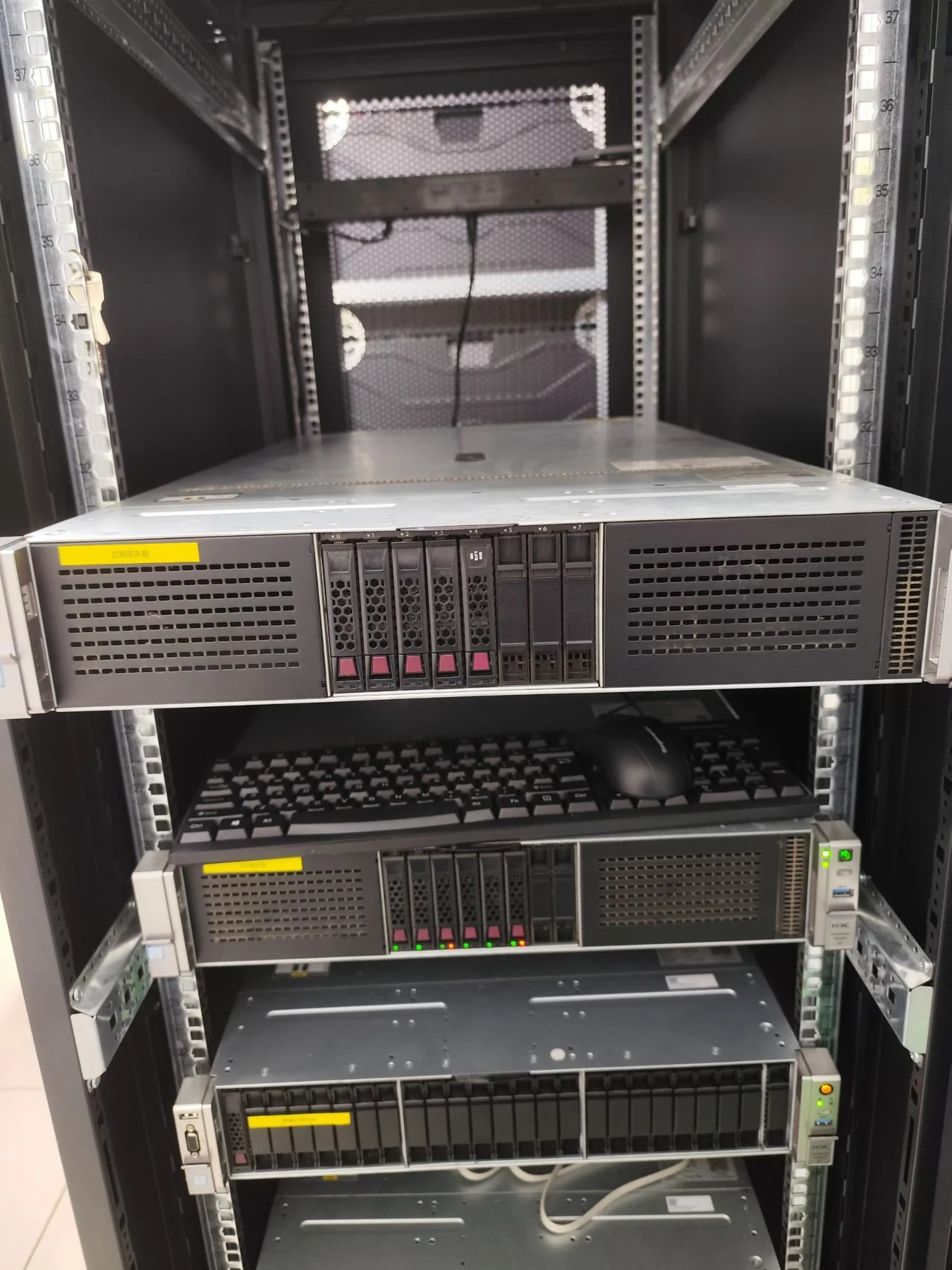
An H3C UniServer G4900 G3 showed normal standby power but did not react to the power button. Because there was no fan movement, POST screen or startup activity, the investigation focused on the complete power-on control path rather than the operating system or storage layer.
Reported symptoms
- Power indicator was on normally
- Pressing the power button produced no response
- Fans did not spin
- No POST screen or other startup activity appeared
Power-on control checks
- Checked standby power status and the BMC/IPMI management interface
- Removed power cables and performed a complete residual-power discharge
- Tested the front-panel power button and its cable connection
- Verified whether the startup signal could be triggered correctly
Minimum hardware configuration
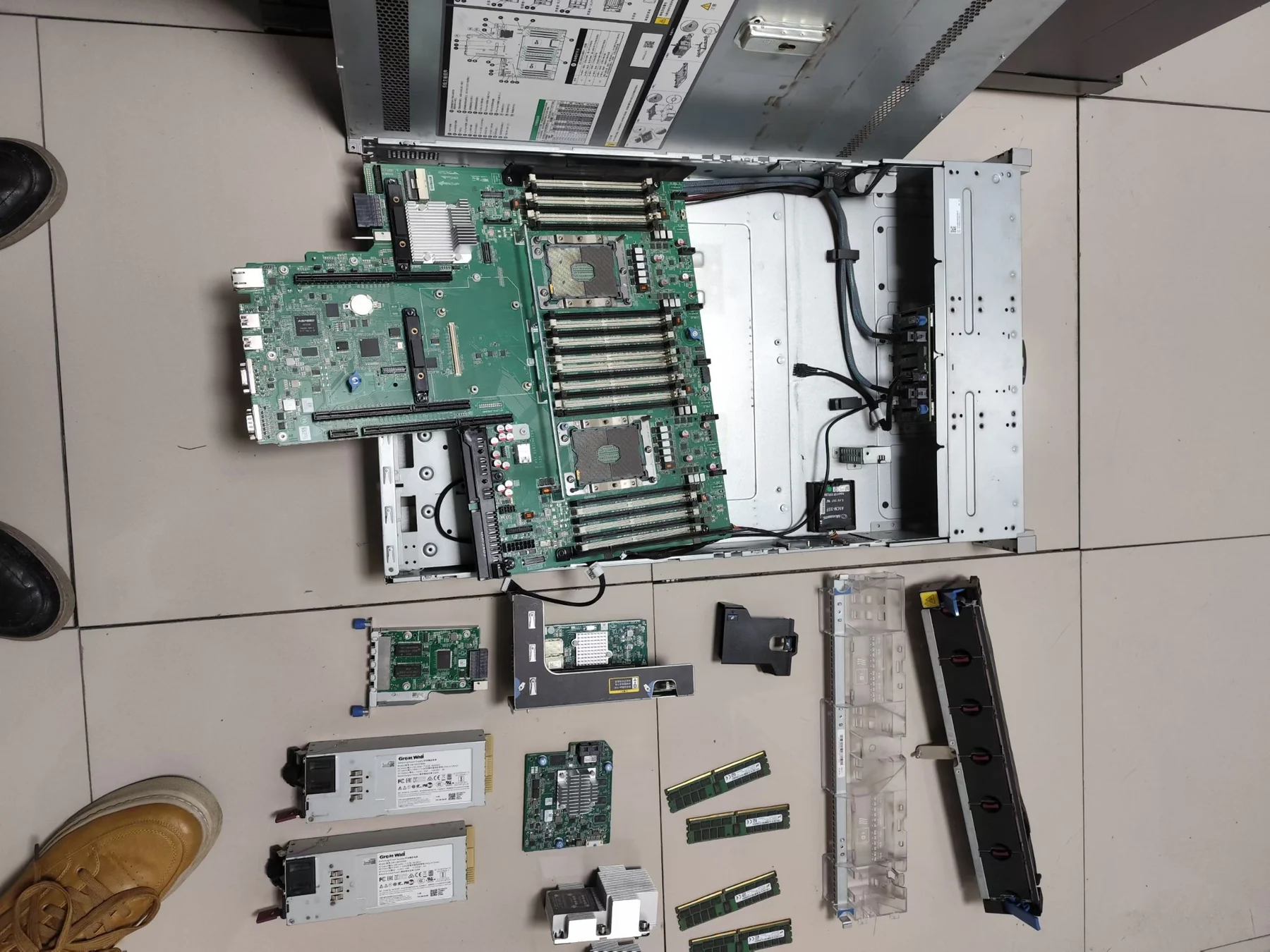
- Removed the RAID controller, hard drives, PCIe expansion cards and additional devices
- Retested with only the motherboard, CPU, memory and power supply installed
- Tested power-supply modules individually and confirmed that they were operating correctly
- Checked motherboard status indicators for externally visible faults
Final solution and verification
- The server still did not respond after all standard tests
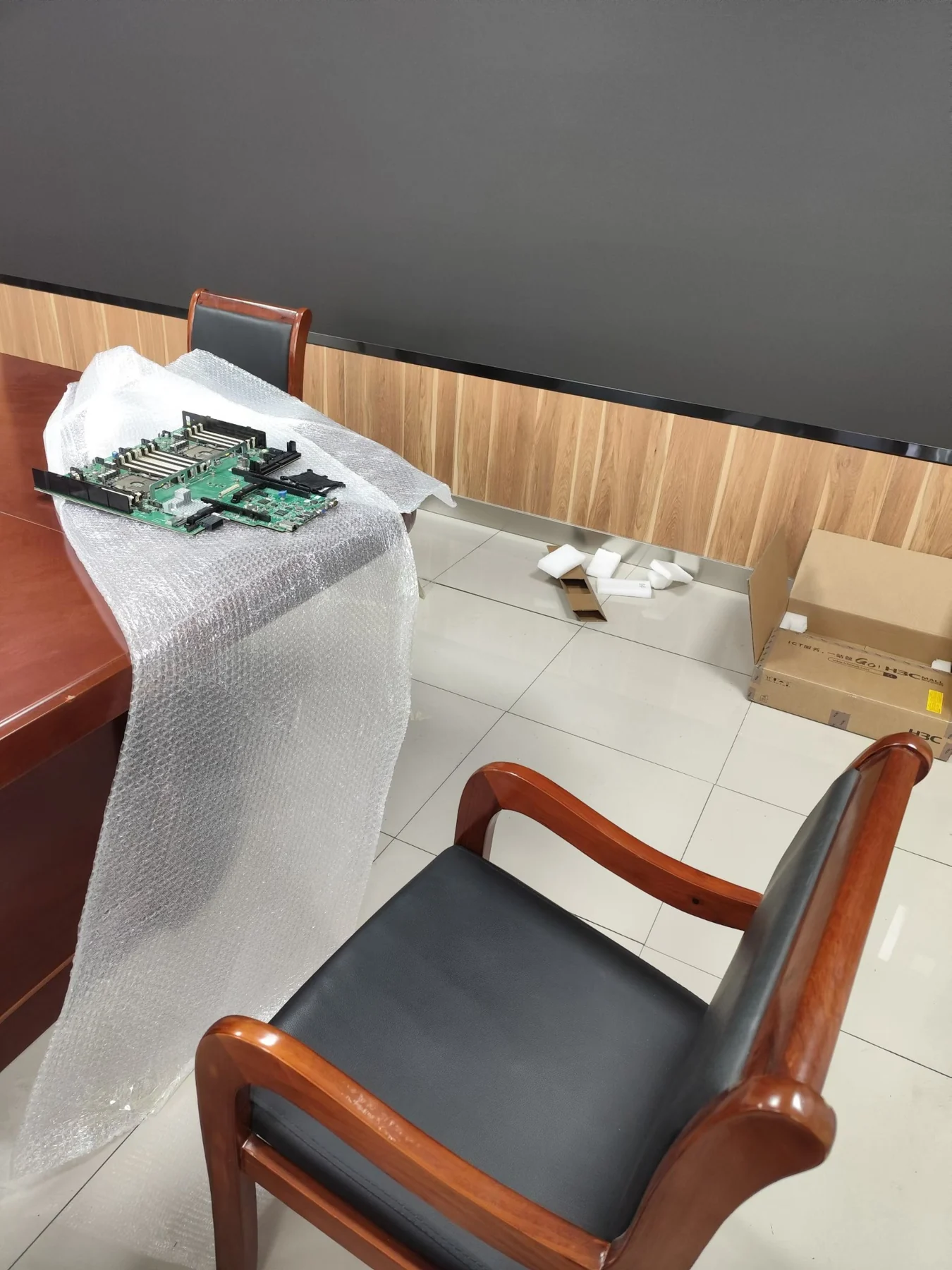
- Further diagnosis confirmed a failed system motherboard
- Replaced the motherboard and completed hardware initialization
- The server powered on successfully, passed POST and returned to normal operation
Diagnostic conclusion: A no-response power-on fault can involve several layers: power supply → BMC → front panel → motherboard control circuit → BIOS → hardware initialization. A systematic process is essential for reducing downtime and avoiding unnecessary replacement of working components.
Request H3C server repair support